
FUROBOT: Giving life to a 2010 sketch using the tools of 2026.
I never thought my old 2D sketches would one day move like real characters — until I tried using AI.
If you’re also exploring how to turn 2D designs into 3D animation, I hope this story can save you some time (and frustration).
More than ten years ago, I began turning pieces of my everyday life into illustrated characters — eventually forming the Furobot series. That entire creative journey is documented in Fu and His Robot. I’ve always loved character creation, and at one point I brought those designs into the physical world as sculptures ranging from 9 inches to 9 feet tall, made of fiberglass or stainless steel, now scattered around the world. But that’s another story…

A few months ago, I started experimenting again — this time with AI. I wanted to see if I could bring my 2D characters into real-world scenes. I had actually tried something similar in mid-2024, but the results were, well… catastrophic. Think of that infamous Will Smith eating spaghetti video — only worse. My characters became unrecognizable, distorted monsters.
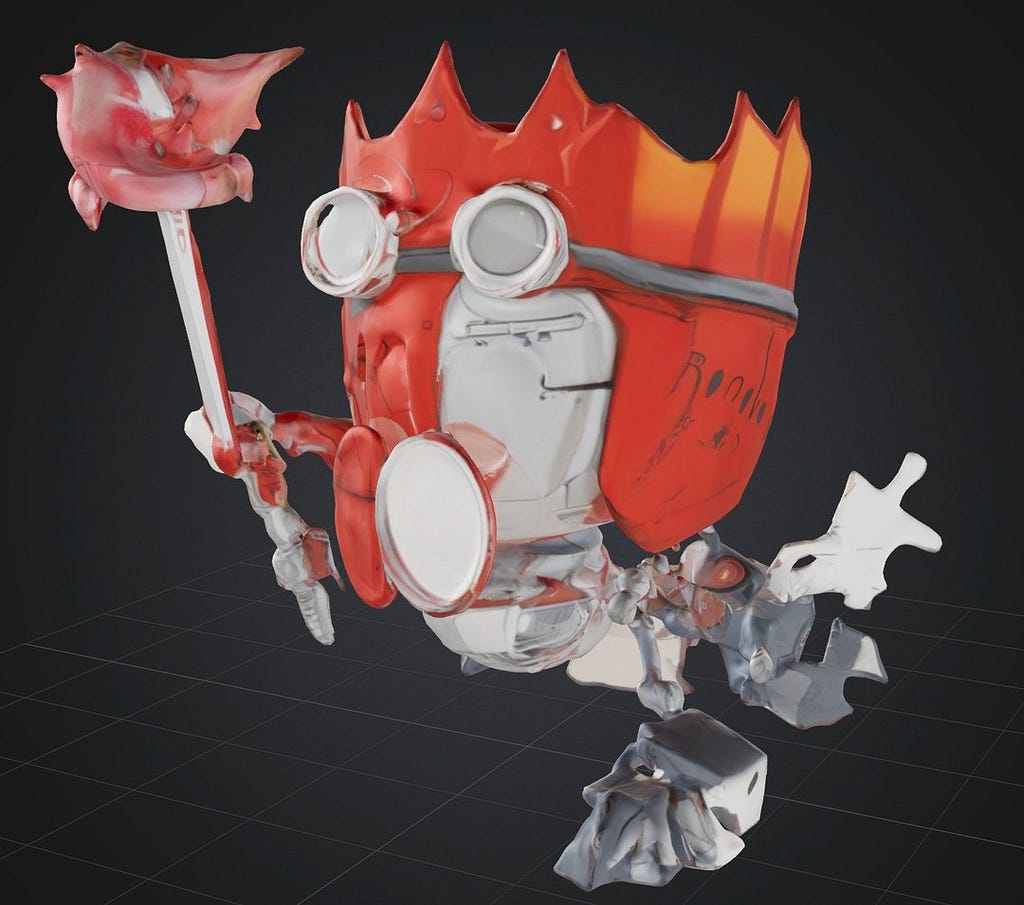

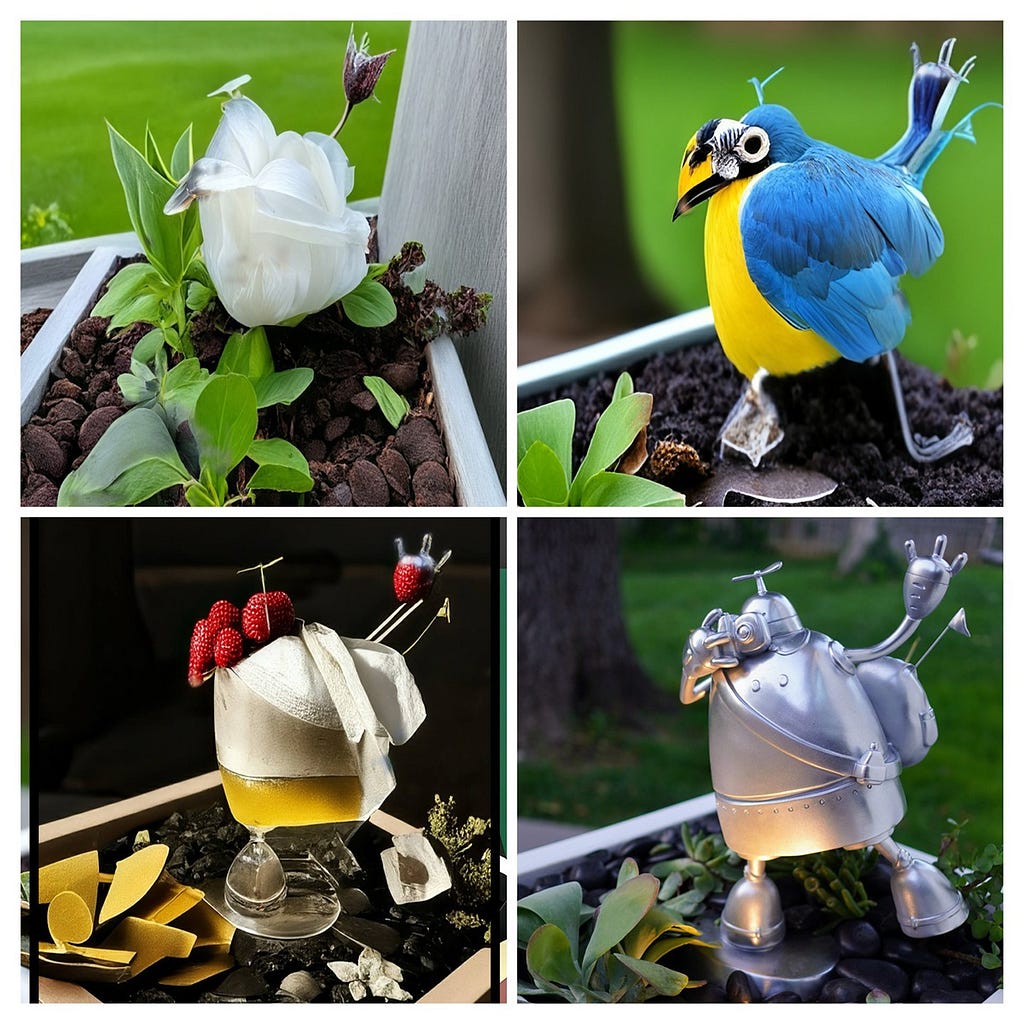
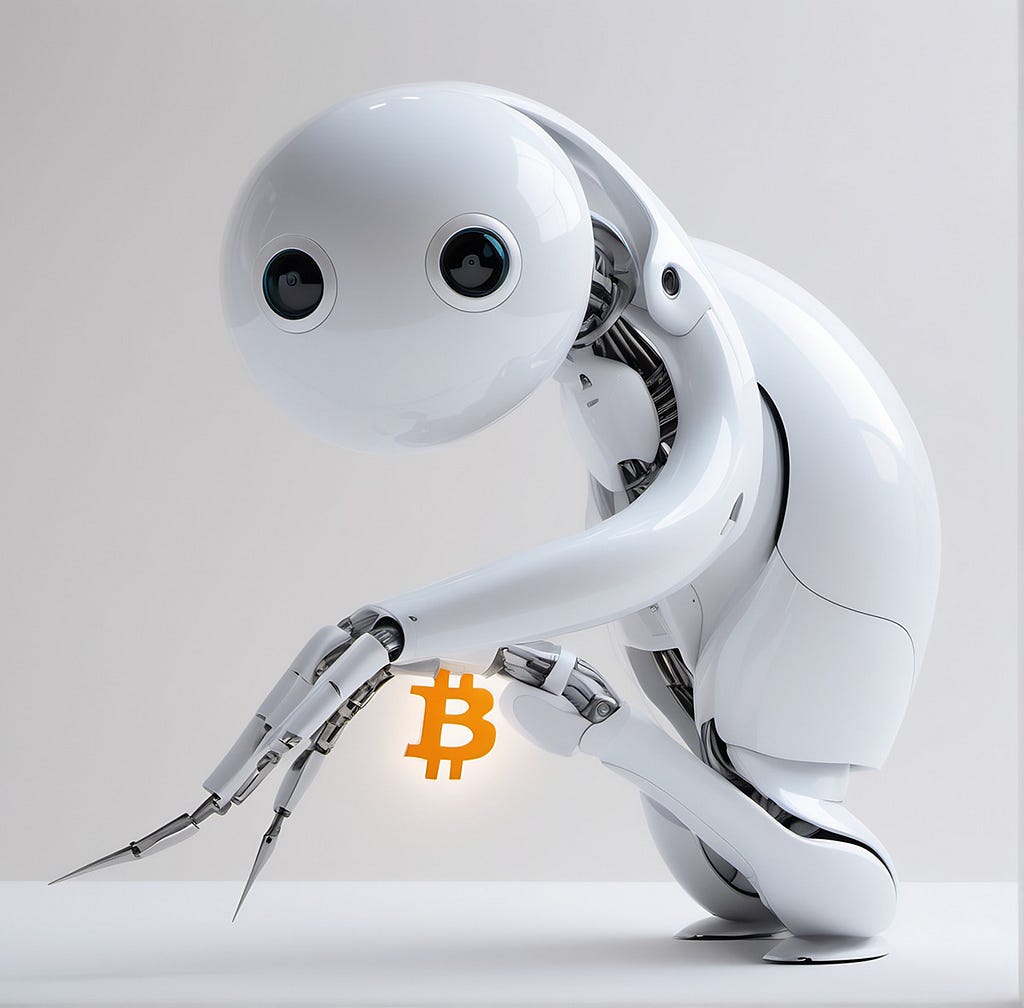
By late 2025, I decided to try again. This time, things were different. While there were still many “surprises,” AI tools had evolved — capable of producing more coherent and visually complete results. Still, no single tool could do everything I needed. I constantly bounced between ChatGPT, Nano Banana, OpenArt, Recraft, Midjourney, and — believe it or not — Photoshop.
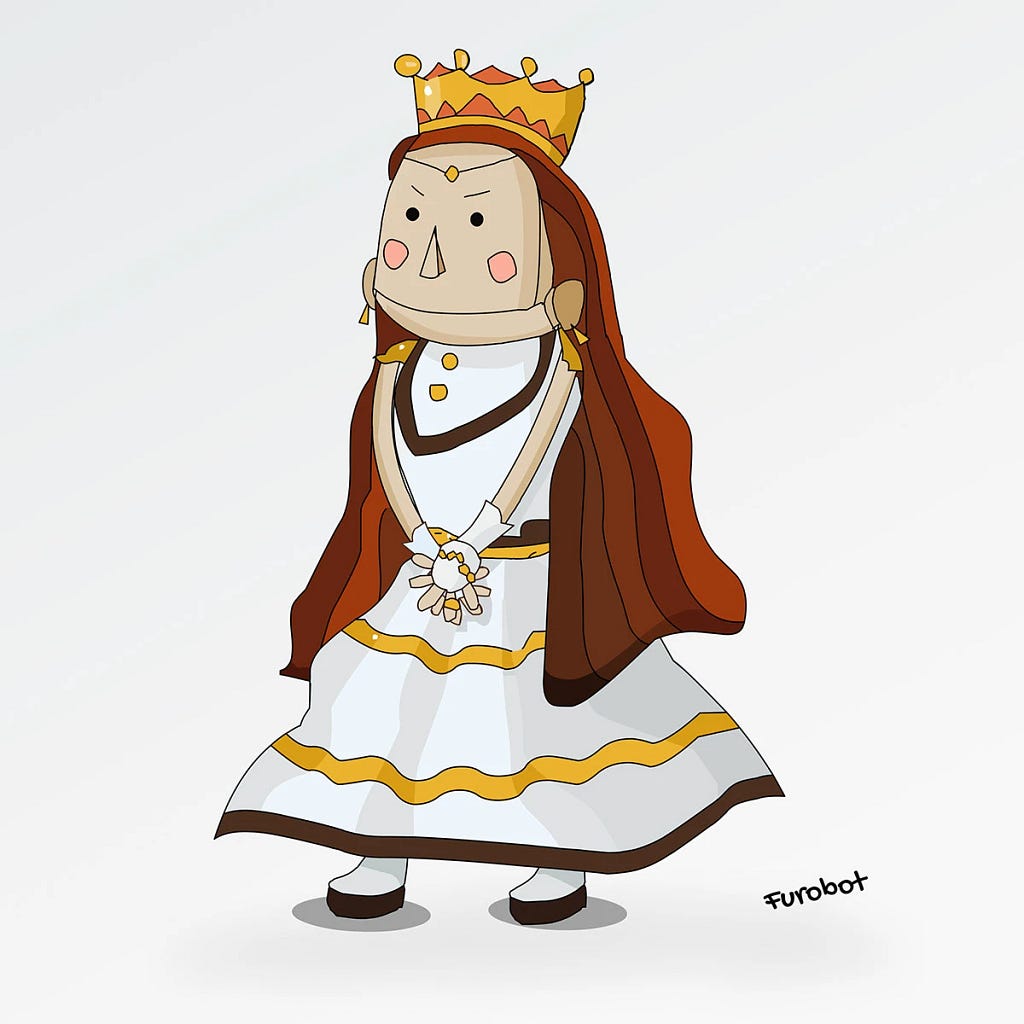

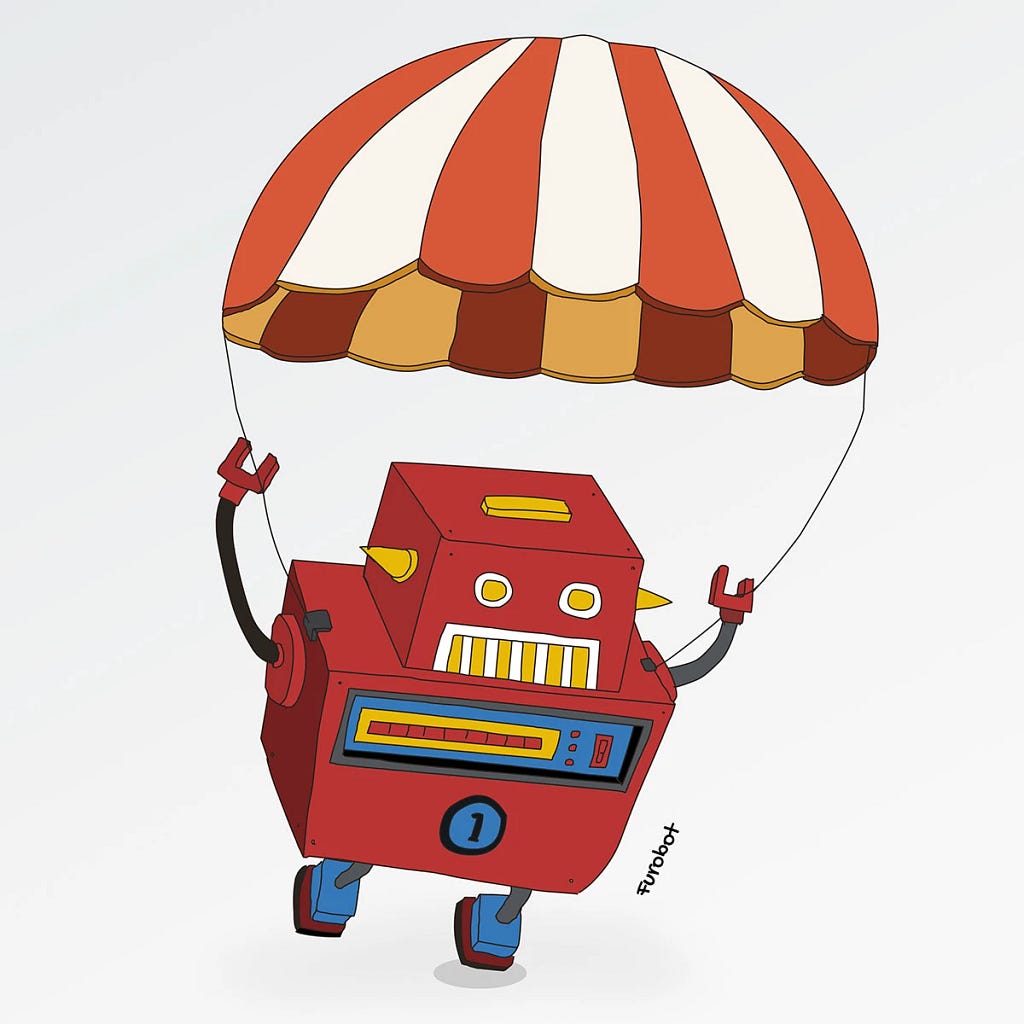

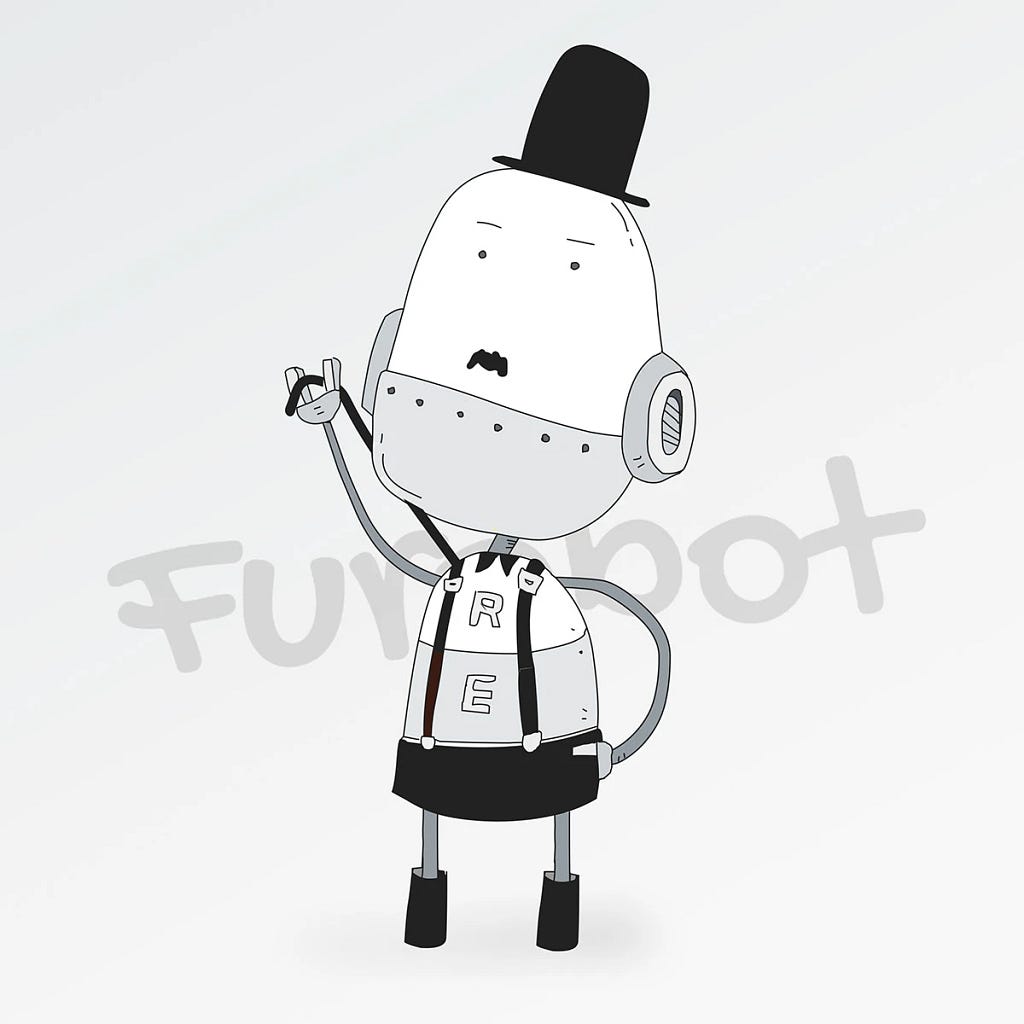
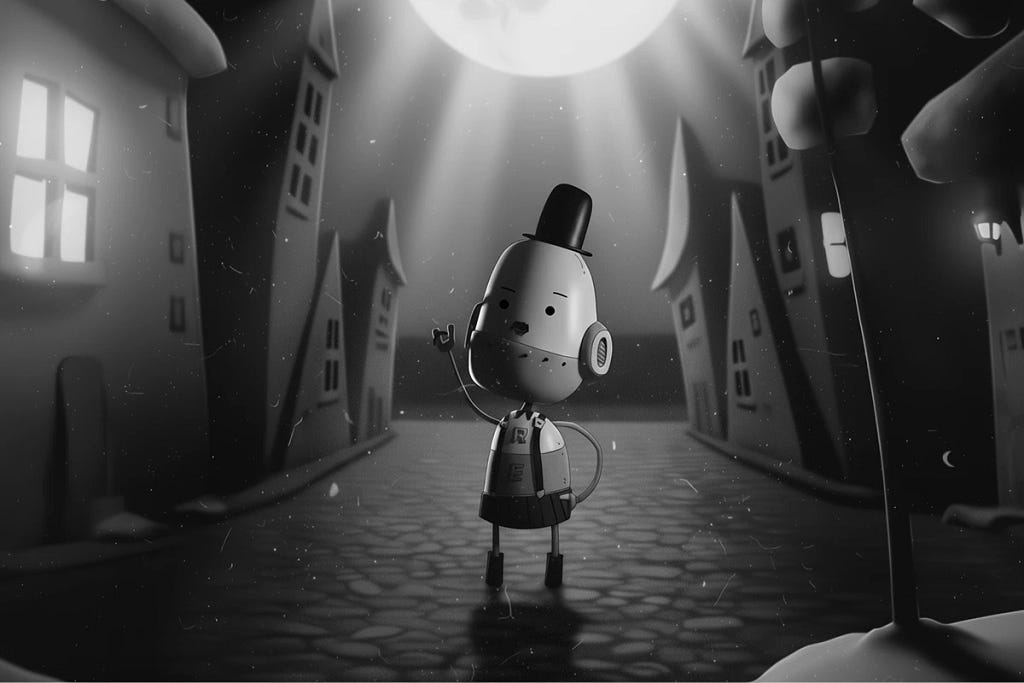
Starting with Image Generation
AI remains terrible at precision. Tiny edits? Forget it.
I found myself reopening Photoshop — something I hadn’t touched for over a year — and realizing that no tool could yet replace its brush, clone, and eraser. Ironically, Photoshop’s own AI is awful. The only halfway useful prompt?“Remove this.”
Here are some things AI still can’t handle well:
“Make the object stand firmly on the ground.”
“Match the perspective between background and character.”
“Keep the character’s eyes exactly the same as my design.” (AI: Done! — and it’s still completely wrong.)
“Remove extra hands or feet.”
“Replace this icon with the one I upload.”
“Make the character hold an object.”
“Give me a panoramic image combining both characters in one scene.” (Always fails.)
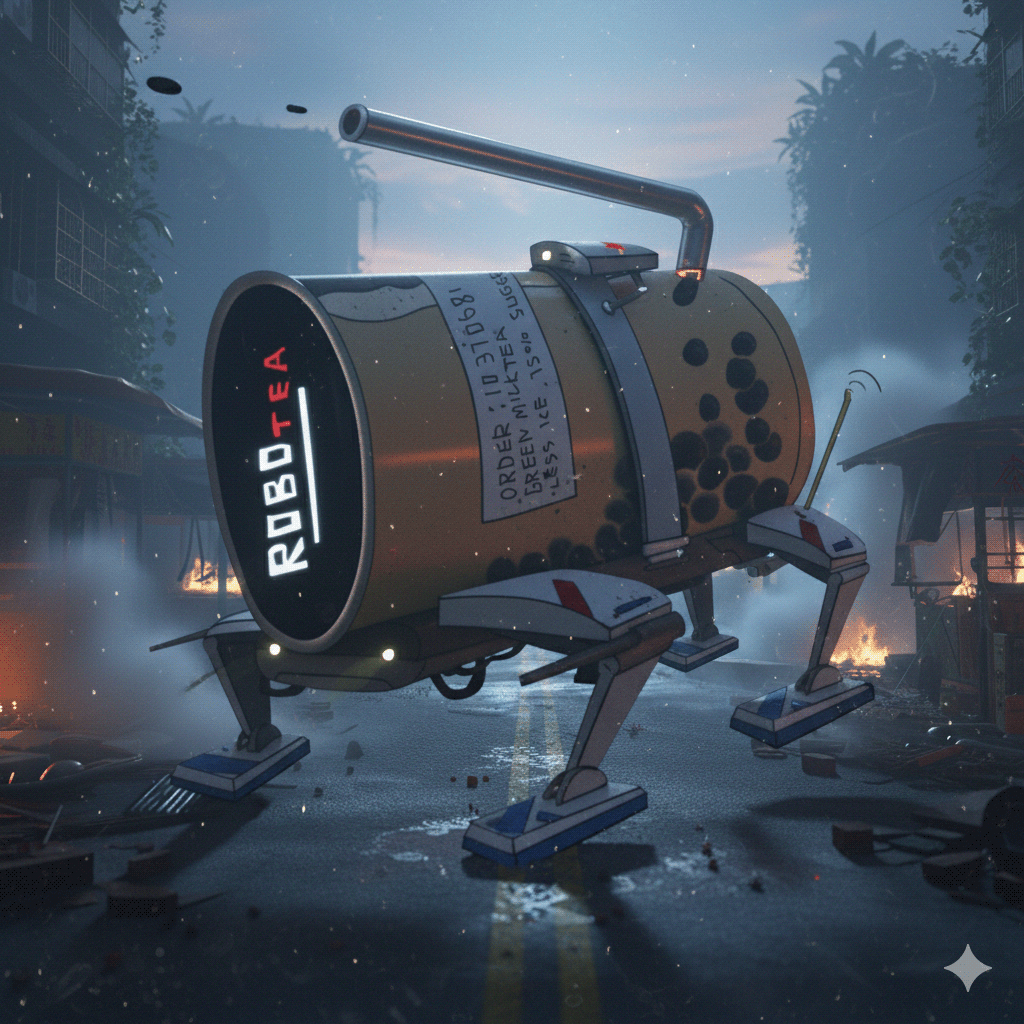
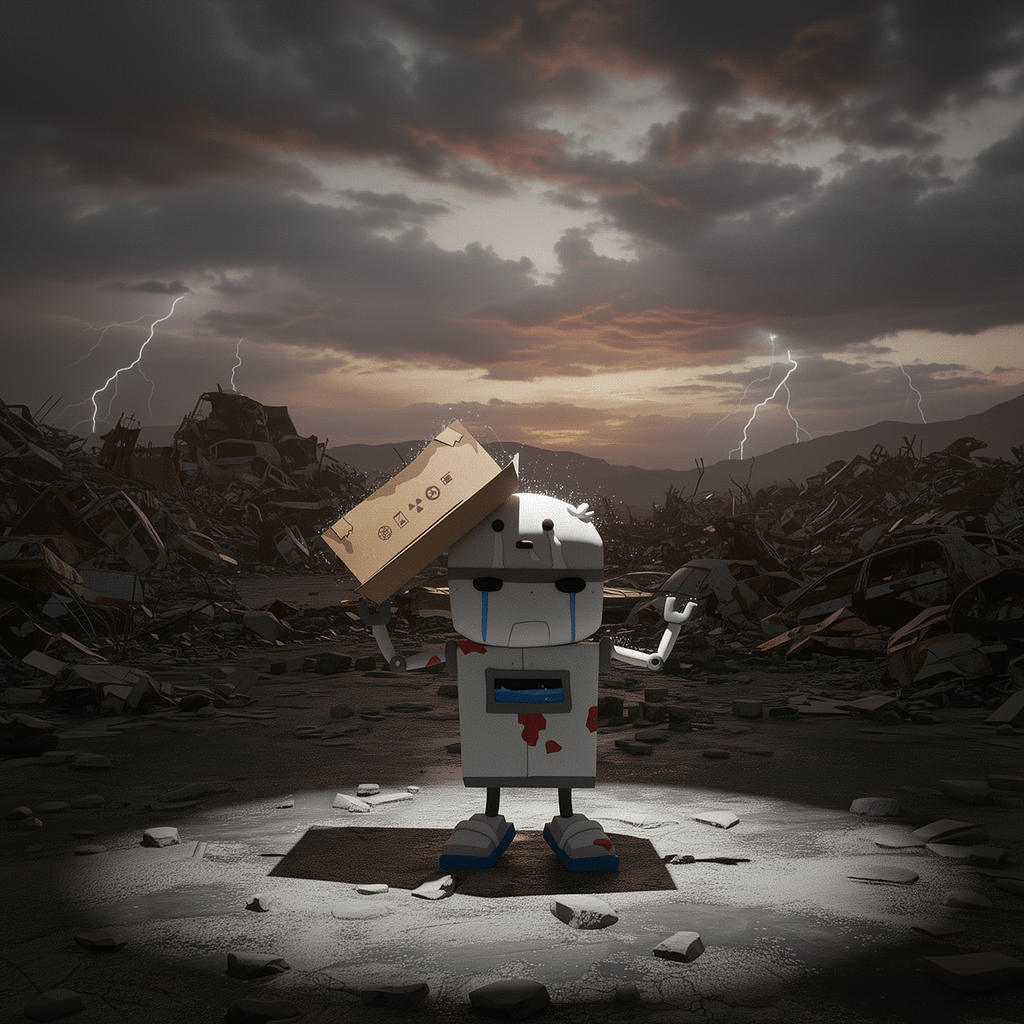
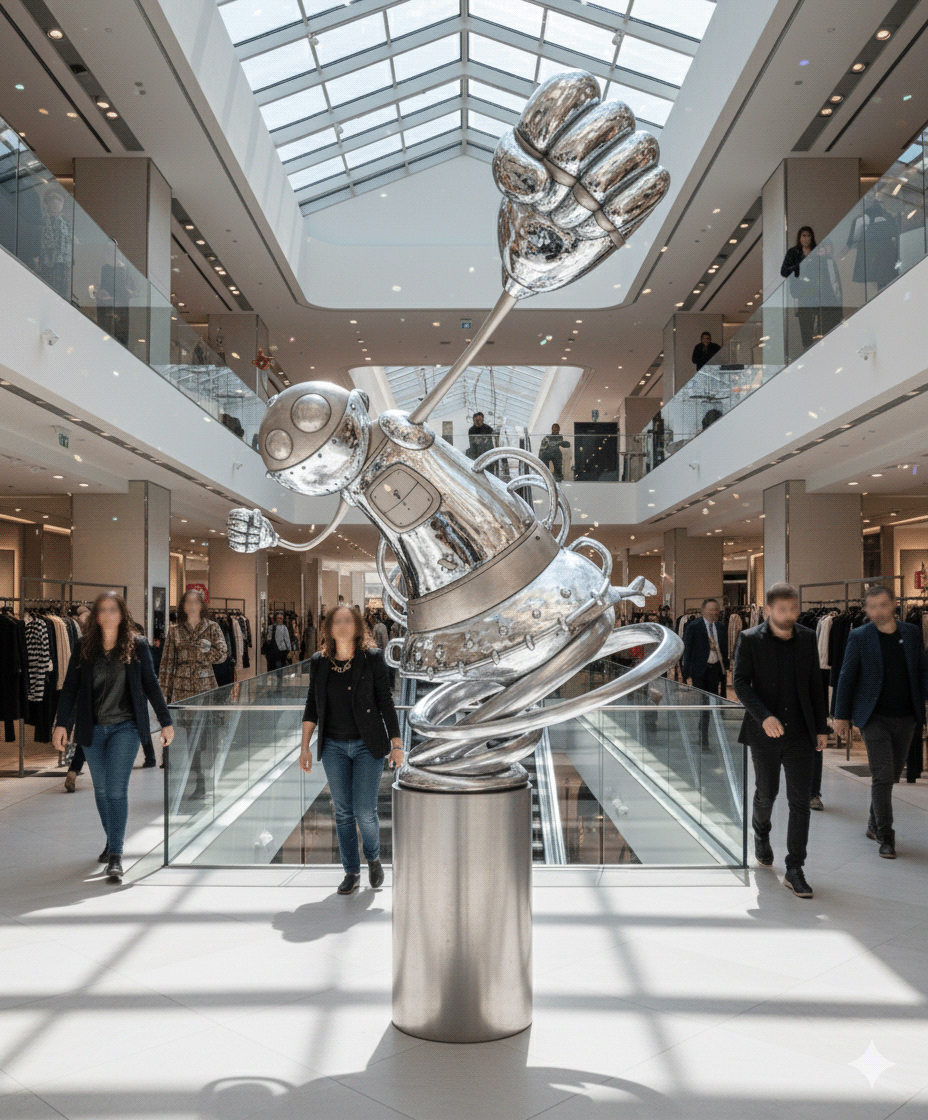
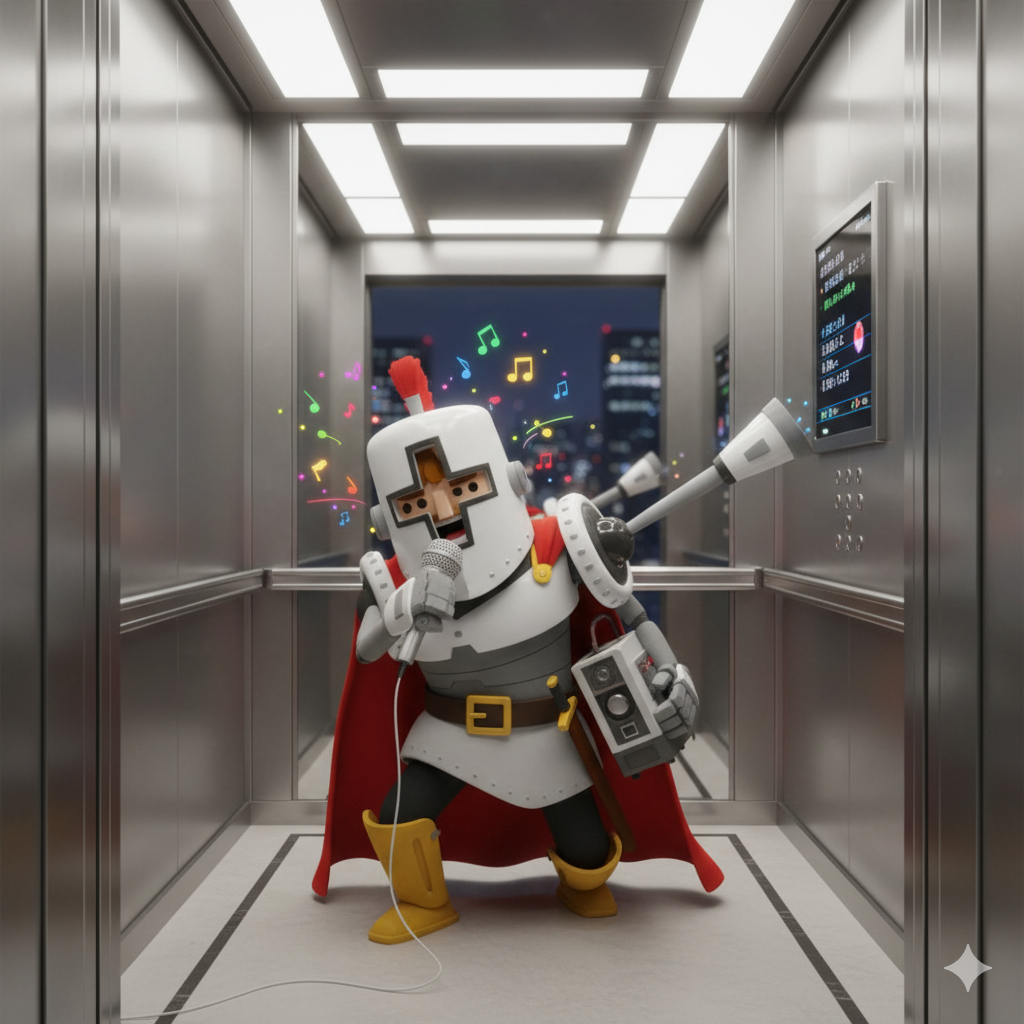
Fixing the characters to stand firmly on the ground, correcting the strange spirals on the sculpture, and removing extra eyes in these images is extremely time-consuming when done with AI and will never be perfect.
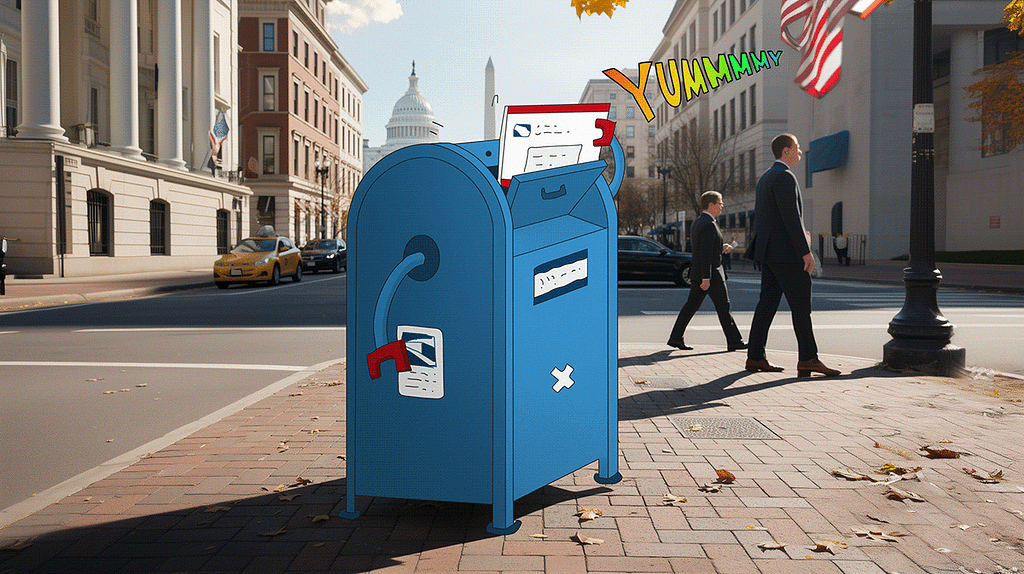
But when it comes to atmosphere and lighting, AI truly shines:
“Add dramatic lighting.”
“Turn daytime into nighttime.”
“Change the character’s material to marble.”
“Place the scene in a city.”
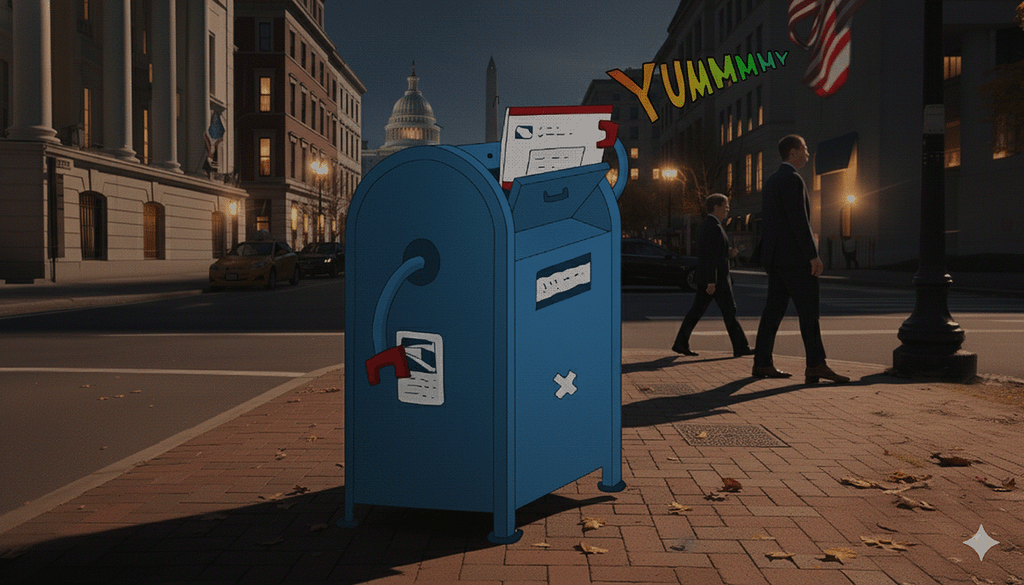
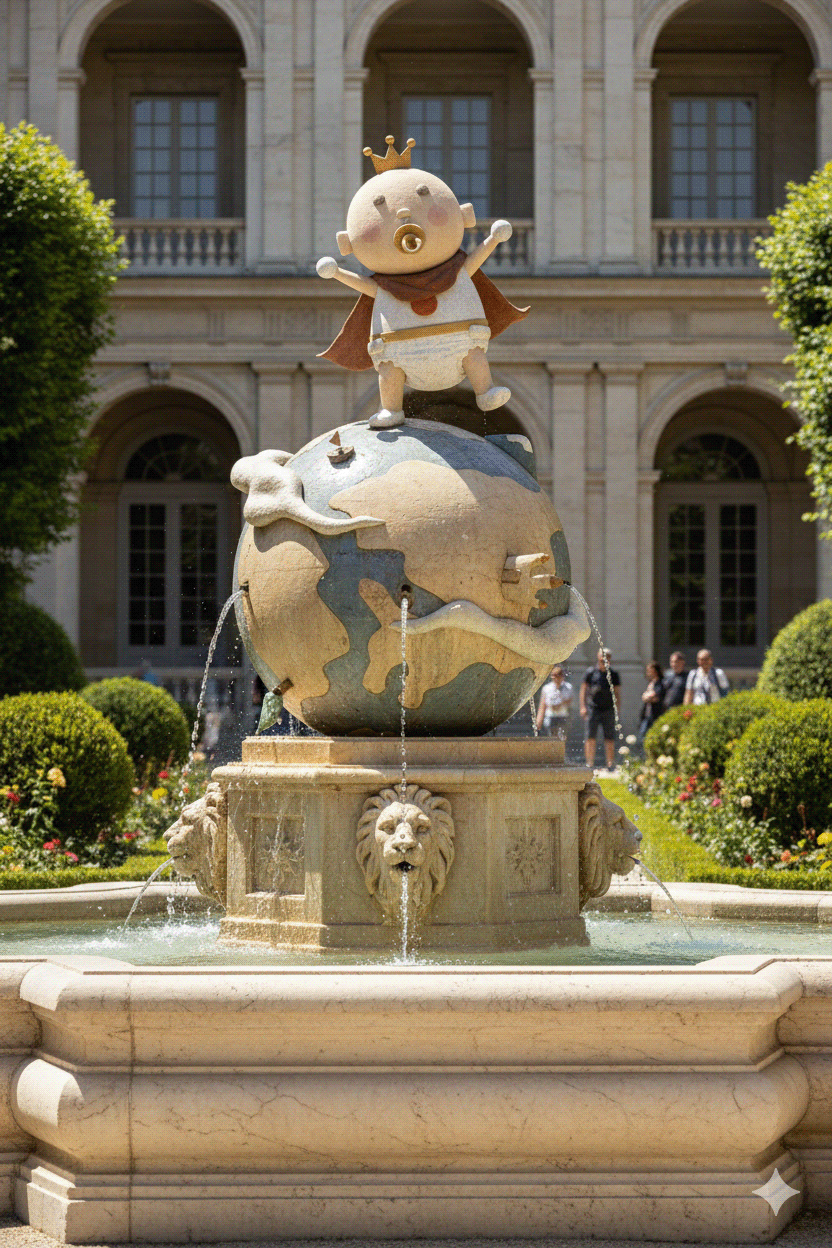
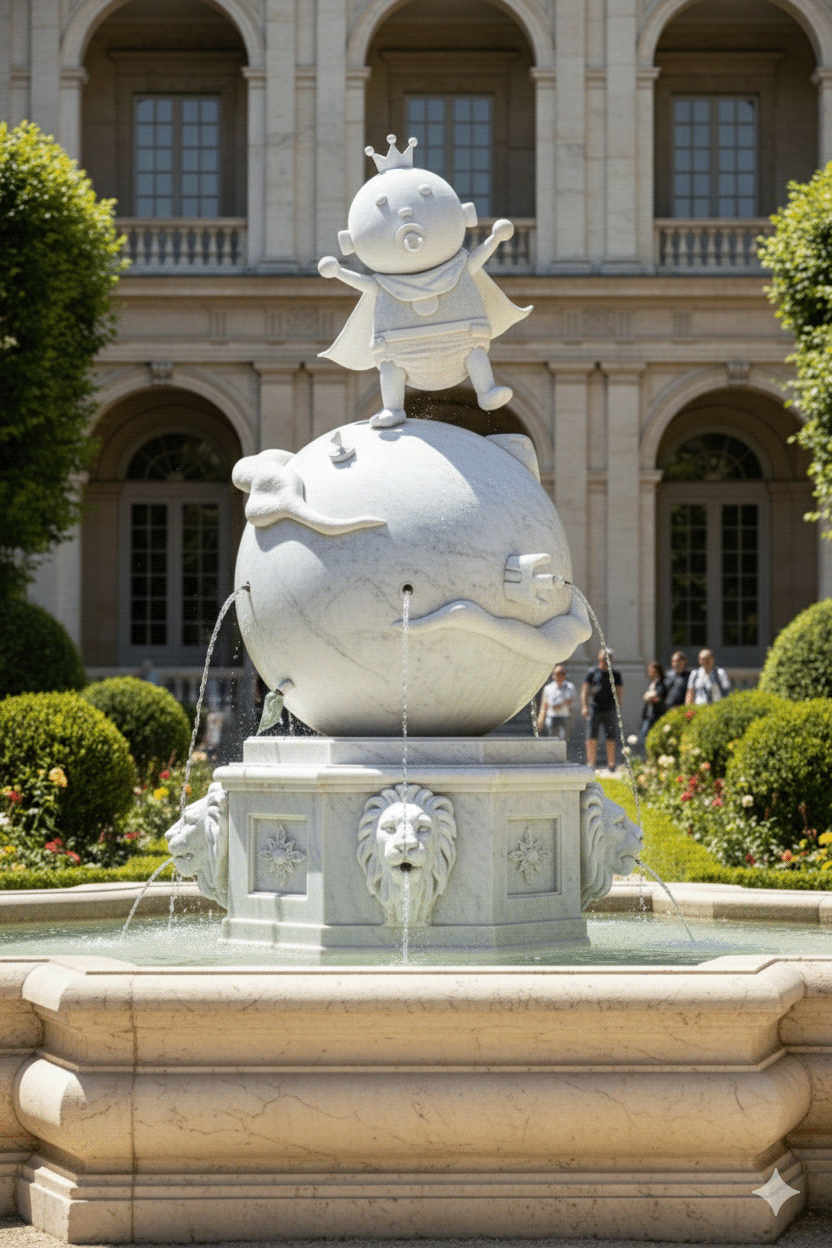
After several weeks of trial and error, I began to understand AI’s limits — and its strengths. The secret wasn’t to master prompts, but to stop expecting AI to do what it can’t. I learned to use it as a collaborator for rough drafts, not a finisher. When I needed something detailed — like adjusting facial features or removing objects — the fastest path was still drawing by hand.
The core strengths of AI image generation are:
Change Material
Change Lighting
Extend Image (or Outpainting)
Change Scene (or Scene Transfer)
By this point, I could complete about 90% of all the static images I needed for my characters.

AI was great from 0%to 99%, but to get that extra 1% to get it to 100% was tough. It was very hard to be very specific in music creation.
From Visuals to Sound: The Music Challenge
Next, I decided to shift gears slightly and try to create background music for a reel using AI. I experimented with several different online tools — Mureka, ElevenLabs, MusicHero AI, Artlist IO — before finally generating the desired music style with SUNO AI.
Even with AI’s help, generating suitable background music proved difficult. Creating a full song is a completely different process from creating background music. For a song, you can start with lyrics; but for background music, I had to carefully describe the rhythm of the opening, end, and middle, as well as the song’s style. For instance, I would describe: “After a fast drum sequence, the drums abruptly stop, followed by a short, dramatic, quiet interlude.”
While this precision helped, I found that, much like with images, AI tools struggled to follow very specific format commands, such as “generate 30 seconds of background music” or “reduce vocals and lyrics”.

Time is Money: The Resource Management Battle
After completing the music, I spent most of my time producing the video in iMovie, primarily by using Midjourney to extend static images into animations. Midjourney was incredibly effective at imagining character actions, correct lighting, shadows, and object movement.
However, AI often struggled with inter-element interactions (objects clipping), generating a character’s back view, linear scene arrangements (how the camera should move), or dramatic cinematic effects (like a focus pull).
The bigger issue was the rapid depletion of the generation quota. I used up the entire month’s 15 hours of ‘fast generation’ from my Midjourney Standard Plan in about two days. I ended up need to purchase extra hours just to finish my project and other stuff. Every Auto animate and Auto extend command rapidly consumed time.
I quickly realized that the key to AI production lies in successful project management: controlling limited resources to complete the work. Traditional solo creation is endless trial and error. All you wasted/contributed in the work was your time. In the AI era, the creator becomes a curator — you must correctly describe and select your mental vision. It’s like being an independent filmmaker managing tools and time.
Taming Motion: The Prompt Trick
For example, I spent an unbelievable amount of time trying to create a short clip of a robot walking with coffee. The main problem was continuity: as the robot’s arm swung, the coffee would pop in and out, fingers would morph, or the coffee would switch hands.
I ultimately found that instead of telling the AI: I want a robot walking to work, feeling relaxed, holding coffee,
I had to say: A robot walking to work, feeling relaxed, right hand held still and holding a steaming cup of coffee.

My personal conjecture is that AI’s strength at this stage is extending static images or imagining transitions between two frames, but it cannot yet be directed like a director to execute a story. It couldn’t grasp that ‘holding coffee’ implies the hand should not move excessively.
More critically, any auto-generate command often fails due to complex object interactions and the AI’s tendency to ‘over-innovate.’ :

The most effective way to use Midjourney points was to conceptualize the final clip before making any still image move. I aimed to create the perfect starting frame, use manual animation with concise, explicit instructions, and closely monitor the draft process, ready to cancel and save points at any sign of failure. This cut my clip generation time from 30 minutes to 5 minutes.
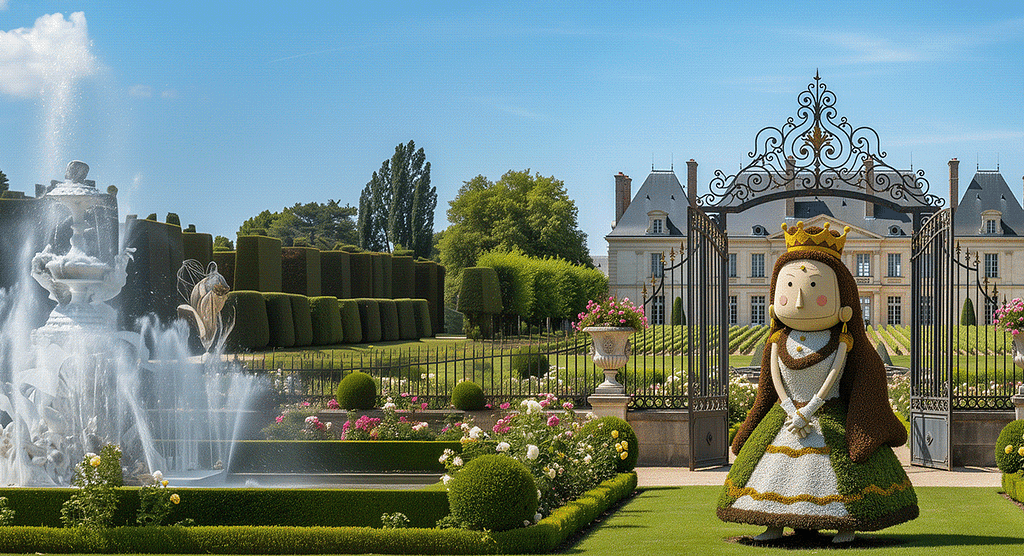

For instance, when creating the ‘Queen’s Grove’ shot, I focused on a static image with an empty sky. The animation prompt was simply: In a peaceful, silent manor, several birds fly from right to left. All scenery remains still, with a slight breeze. This was a hundred times easier than trying to describe a complex sequence like: The camera moves from left to right, a sweeping aerial shot zooming in on the Queen’s Grove. I believe AI will achieve those complex parts someday, but not yet.
Now, here come some final clips :
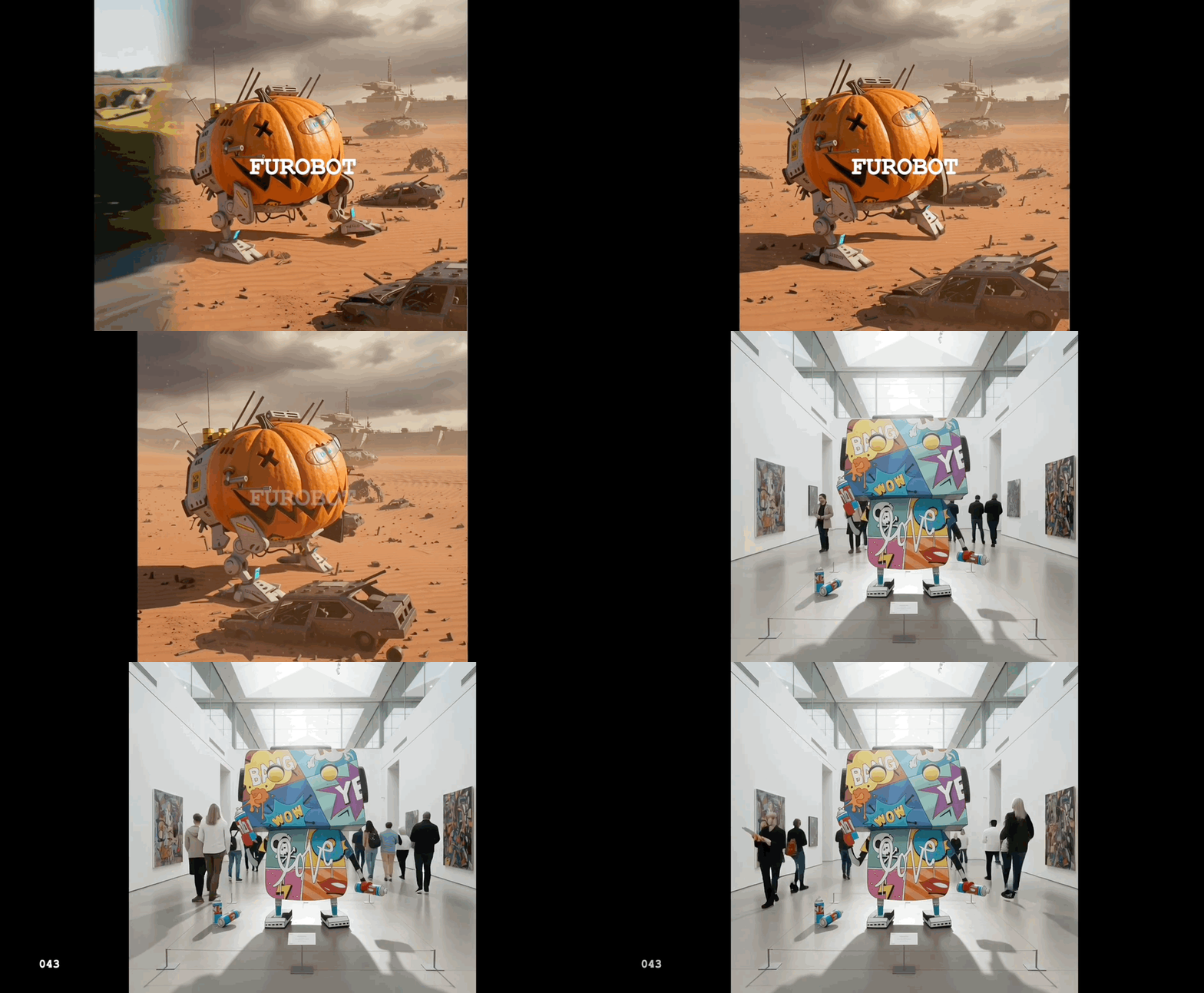
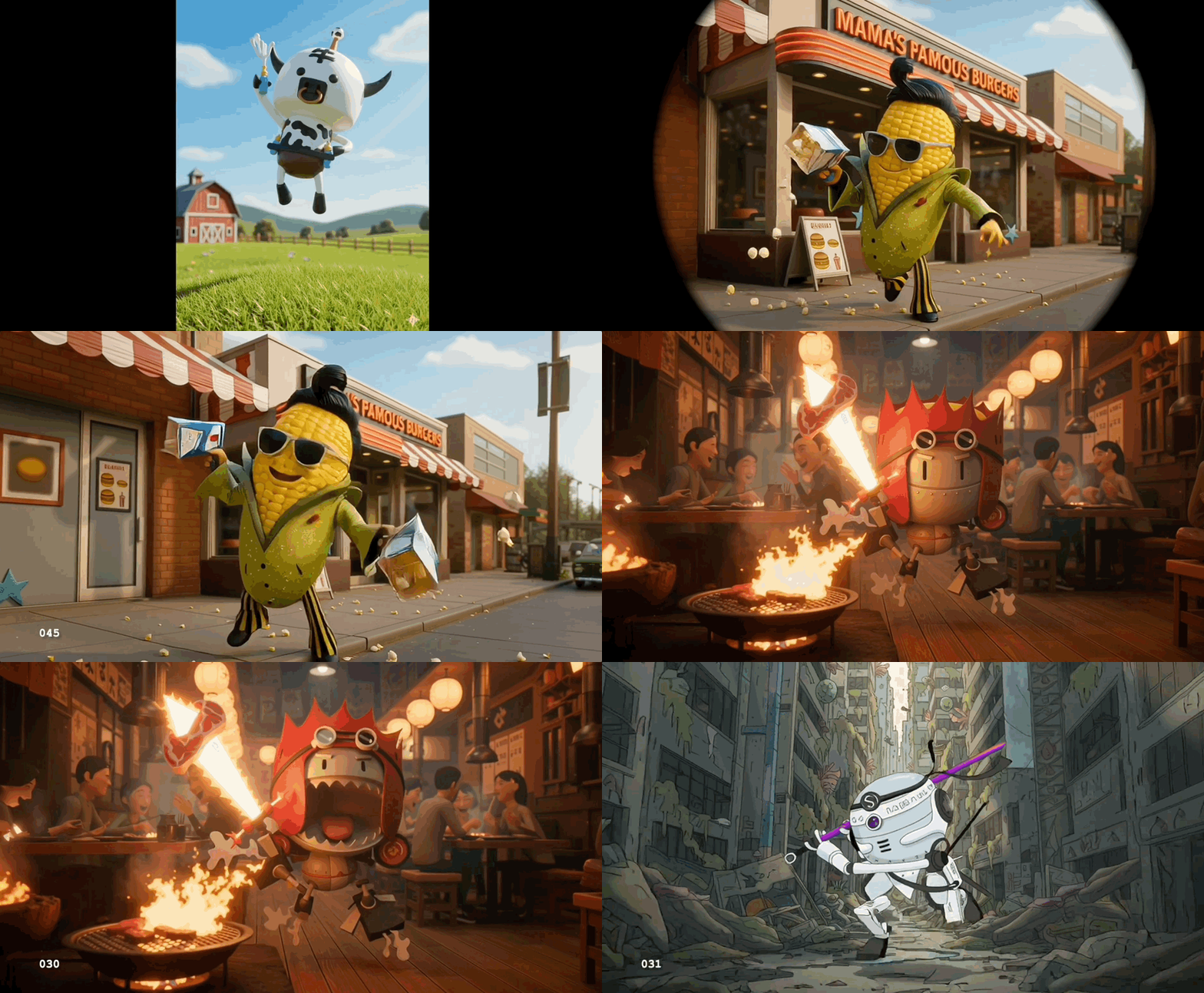
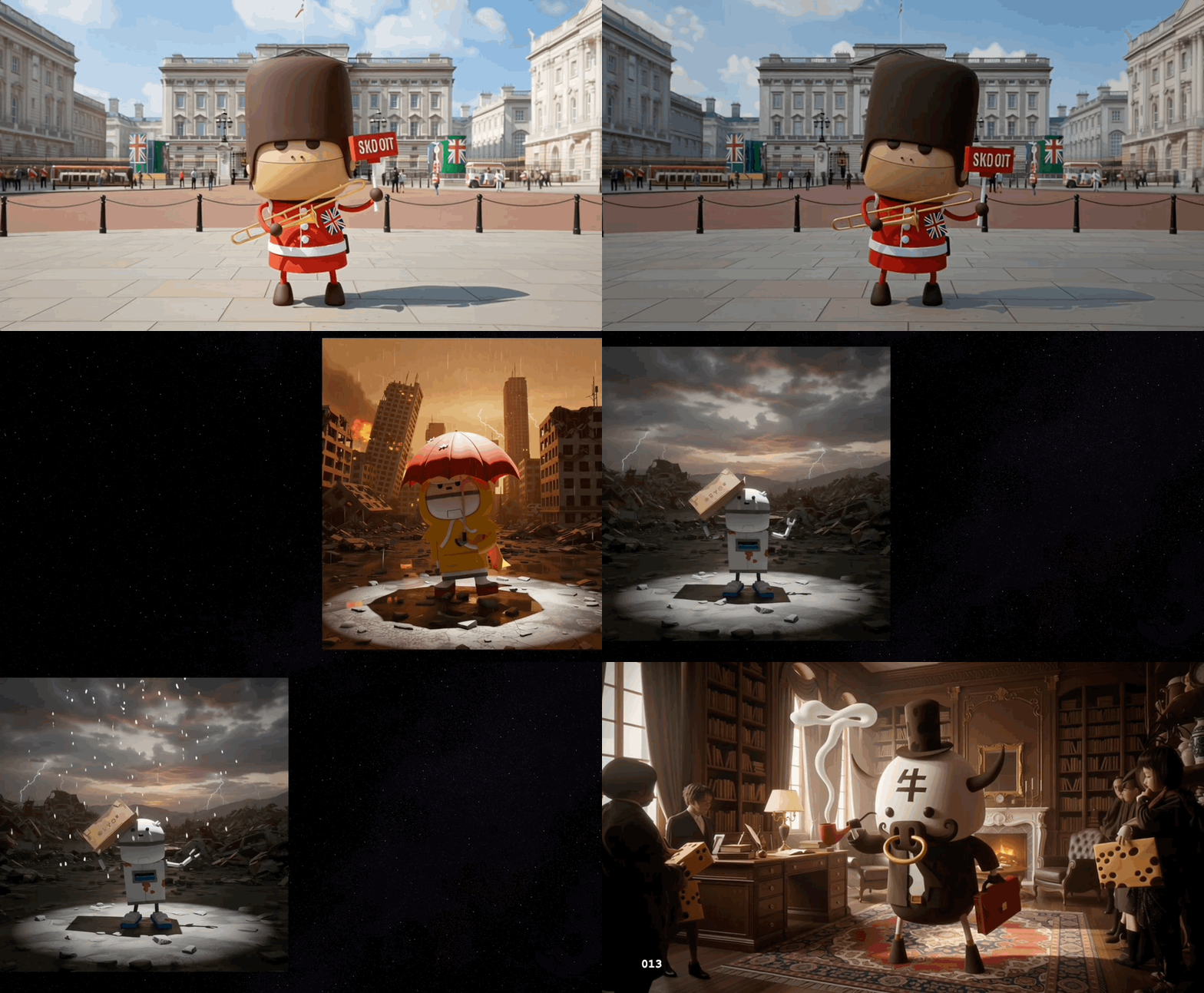
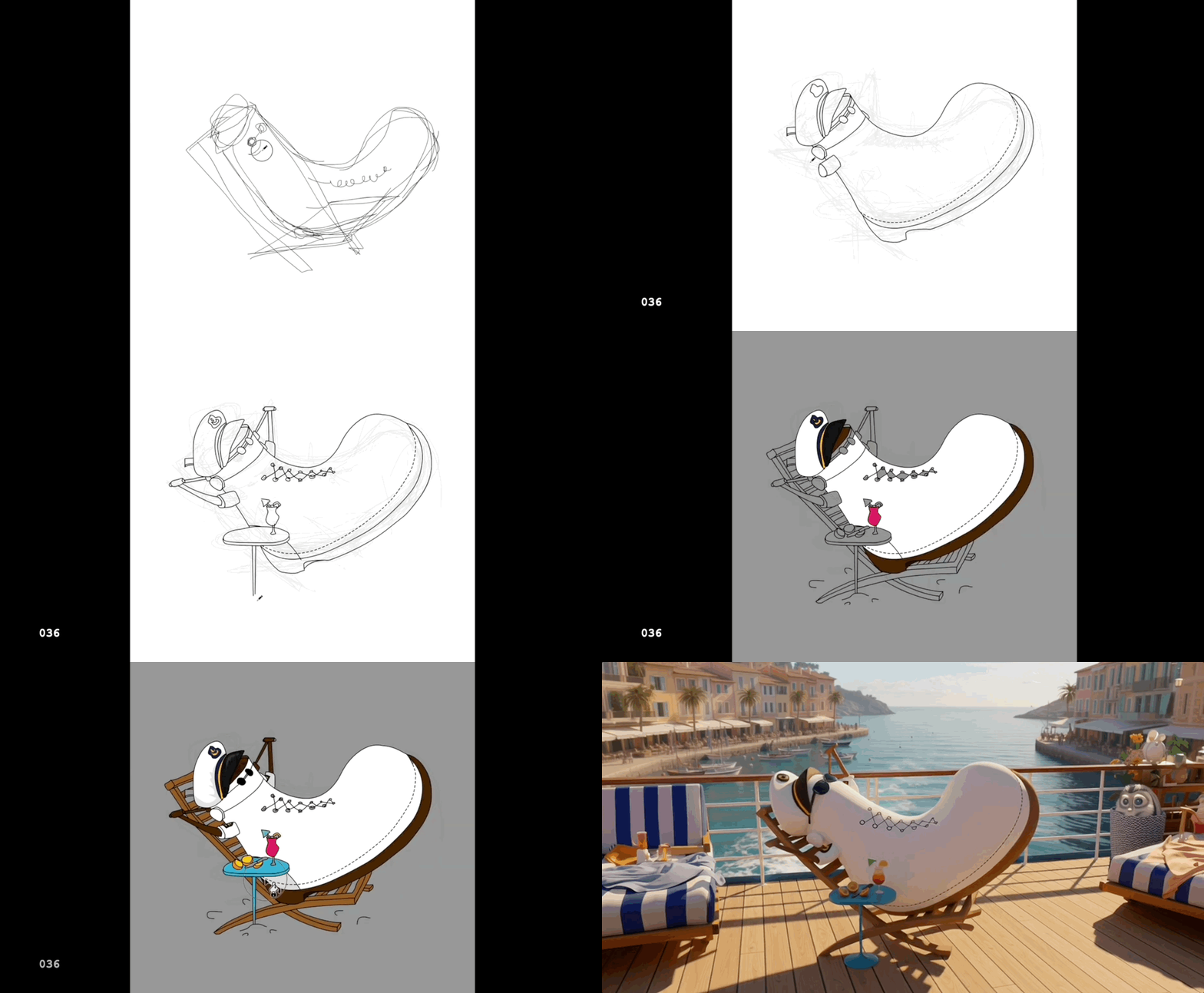
Full Reel can be found on : https://www.youtube.com/watch?v=K3OxKAVaI7E
This project took me several free weekends to complete. Watching my own characters come to life was an incredibly fun experience. I look forward to the day when AI can help create longer and more meaningful commercial films.
Thank you for reading — I hope this journey was an interesting experience for you as well! : )
……
💡 Stay inspired every day with Muzli!
Follow us for a daily stream of design, creativity, and innovation.
Linkedin | Instagram | Twitter


Celebrate 15 Years of Furobot Creation — From Illustration to AI Reality was originally published in Muzli - Design Inspiration on Medium, where people are continuing the conversation by highlighting and responding to this story.